Tuesday in class we talked about accessibility in learning and how we can utilize technology as a tool to support inclusive learning in our future practice. It is critical for us as educators to be aware of barriers to inclusion that may impact our students. These barriers could include a lack of assistive technology, language barriers, physical design barriers (ex. missing ramps) or stigma. Inclusion in the classroom can be supported through Universal Design for Learning. This might mean utilizing multiple means of representation by adding captions to a video viewed in class, using multiple means of engagement by allowing students to choose their topic for their final project, or multiple means of action and expression by allowing students to utilize speech to text when beneficial. Technologies (such as speech to text, captions, audio recordings, use of a keyboard can be useful in helping students experience meaningful inclusion in their classrooms.
I have seen a couple examples of different supports in classrooms. I have noticed that there are wobble stools in the classroom for highly active students to sit on. Additional supports that I have seen include the use of microphones for teachers while instructing, playing videos with captions, and providing students with the opportunity to have an adult or peer help them read or write during science and social studies lessons.
Below I have included part of my reflection directly from speech to text! It is interesting to try this out and see how it works in action.
I have seen a couple of examples of different supports in my classroom. I have noticed that there are wobble stools in the classroom for highly active students to sit on. Additional supports that I have seen include the use of microphones for teachers while instructing, playing Videos with captions, and providing students with the opportunity to have an adult or peer help them read or write during science and social studies lessons.
I was very impressed with this speech to text feature and found it fairly easy to use. The only minor errors seem to be where I misspoke. It was cool to try out this feature, and I could see myself using it more in the future.
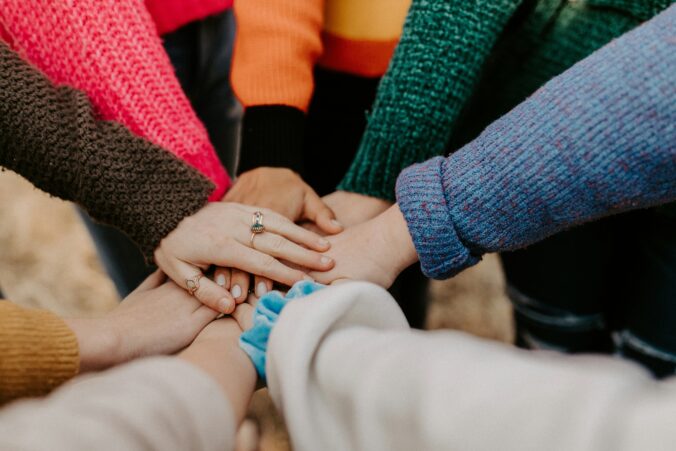
Photo by: Hannah Busing on Unsplash
Leave a Reply